2007: iPhone Puts Email in Everyone's Pocket
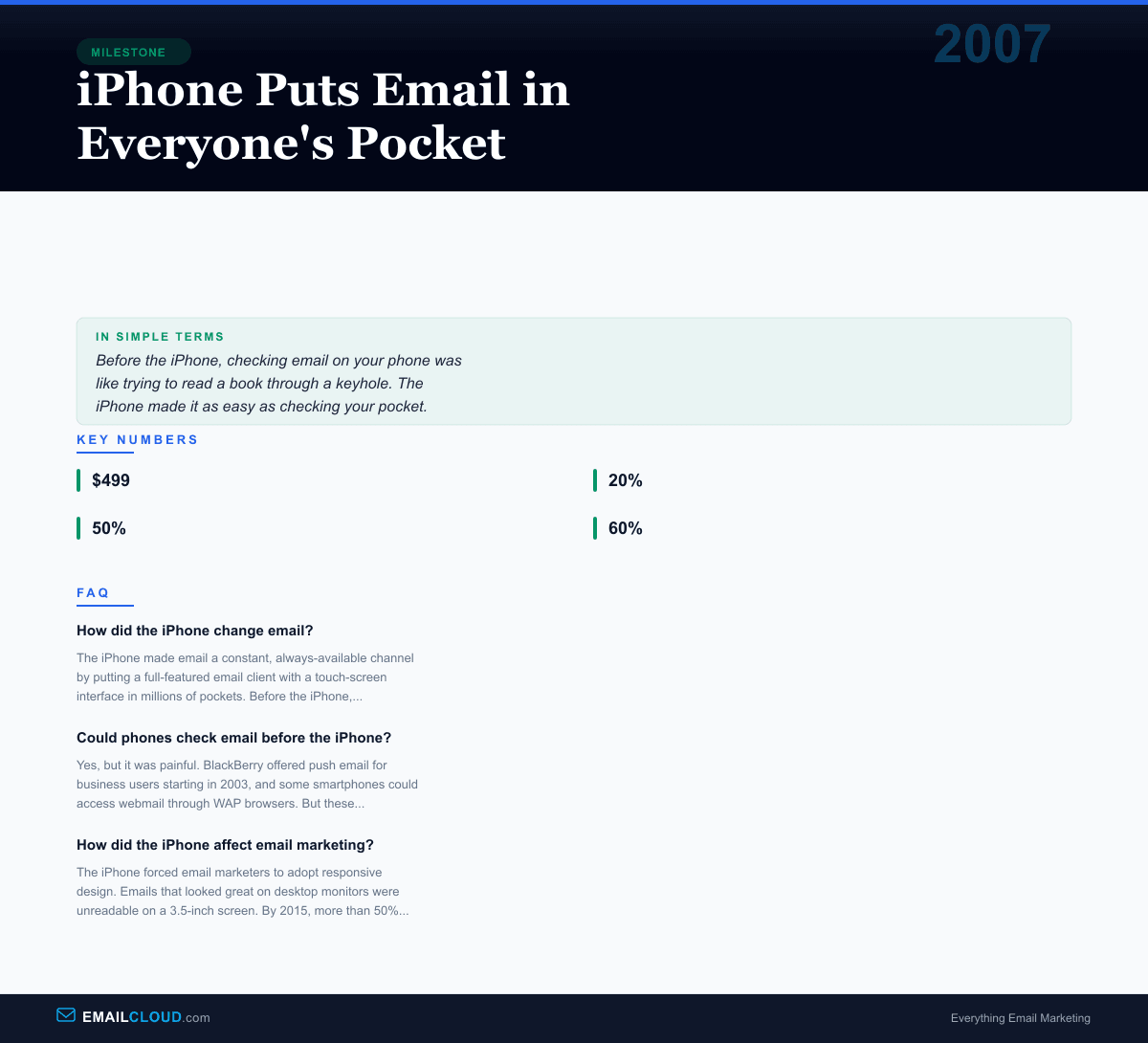
On June 29, 2007, people lined up around the block at Apple stores to buy a $499 phone. Steve Jobs had unveiled the iPhone five months earlier with the now-legendary words: “An iPod, a phone, and an internet communicator.” The crowd had cheered wildly for the iPod and the phone. The “internet communicator” got a more muted response. But that third device — the one that put a real web browser, a full email client, and a multi-touch screen in your pocket — would transform how the world interacts with email.
Email Before the iPhone
Mobile email existed before June 2007, but it was almost exclusively a business tool. Research In Motion’s BlackBerry had pioneered push email for corporate users, and by 2007, the BlackBerry was the gold standard for mobile business communication. Its tiny QWERTY keyboard and always-on email made it indispensable for executives — so indispensable that it earned the nickname “CrackBerry” for its addictive qualities.
But BlackBerry email was a corporate affair. It required a BlackBerry Enterprise Server (BES) connected to a company’s Microsoft Exchange infrastructure. Individual consumers didn’t use BlackBerry for personal email.
For everyone else, mobile email meant squinting at a WAP-based webmail interface on a tiny screen, navigating with a d-pad, and typing on a numeric keypad where pressing the “2” key three times gave you the letter “C.” It was technically possible. It was practically miserable.
The iPhone Email Experience
The iPhone’s Mail app was a revelation. It displayed HTML emails in their full, formatted glory on a 3.5-inch screen. You could pinch to zoom. You could scroll smoothly through your inbox. You could tap to reply. The interface was intuitive enough that no manual was needed.
Even more importantly, the iPhone connected to standard email protocols — IMAP, POP3, Exchange ActiveSync — which meant it worked with virtually any email account. Gmail, Yahoo, Hotmail, corporate Exchange, personal IMAP — they all worked out of the box or with minimal setup. This was the democratization of mobile email. You didn’t need a corporate IT department to push email to your phone. You just entered your email and password.
Push notifications completed the picture. When an email arrived, your iPhone buzzed or chimed. Email was no longer something you checked periodically by sitting at a computer. It was something that reached out and tapped you on the shoulder, wherever you were, whatever you were doing.
The Behavioral Shift
The iPhone didn’t just change the technology of email — it changed the psychology. Before smartphones, there was a clear boundary between “at the computer” and “away from the computer.” Email lived on one side of that boundary. The iPhone erased it.
By 2010, three years after the iPhone’s launch, a Litmus study found that 20% of all email opens were happening on mobile devices. By 2015, that number had crossed 50%. By 2020, mobile email opens consistently accounted for over 60% of all email opens in most industries.
This shift had profound implications for how people relate to email. The expectation of instant response — which had previously only applied to phone calls and text messages — began creeping into email. Response time expectations shortened. People checked email first thing in the morning, last thing at night, and dozens of times throughout the day. Studies began documenting the stress and anxiety associated with constant email connectivity.
The Mobile Design Revolution
For email marketers, the iPhone created an immediate and urgent problem: their emails looked terrible on mobile screens. Email designs that had been optimized for 800-pixel-wide or 1024-pixel-wide desktop monitors were rendered as shrunken, unreadable thumbnails on the iPhone’s 320-pixel-wide screen.
The industry’s response was responsive email design — emails that automatically adjusted their layout based on the screen size of the device viewing them. This was challenging because email HTML rendering is notoriously inconsistent across clients, and responsive CSS techniques that worked perfectly in web browsers often failed in email clients.
A cottage industry of mobile email design tools, frameworks, and best practices emerged. Companies like Litmus and Email on Acid built testing platforms that let marketers preview how their emails would render across dozens of devices and email clients. Entire conferences were dedicated to the art and science of mobile email design.
”Sent from my iPhone”
The iPhone’s default email signature — “Sent from my iPhone” — became one of the most ubiquitous lines of text in the world. It served a dual purpose: it explained any typos or brevity in the message (the original iPhone keyboard had a steep learning curve), and it functioned as a subtle status signal (“I have an iPhone”). Apple never forced users to keep this signature, but millions did. The signature became a cultural phenomenon in its own right.
Android and the Smartphone Email Explosion
The iPhone opened the door, but Android pushed it wide open. Google’s Android operating system, first released in September 2008, brought smartphone email to every price point. By 2012, smartphones with full email capability were available for under $100 in most markets. Email went from a desktop activity to a truly universal, always-on communication channel.
Why It Matters
The iPhone’s impact on email can be measured in a single statistic: before the iPhone, virtually 100% of marketing emails were designed for desktop viewing. Today, if your email isn’t optimized for mobile, you’re ignoring the majority of your audience.
The iPhone also permanently changed the economics of email marketing. Mobile users scroll quickly, have shorter attention spans, and are less likely to click through on complex offers. Subject lines need to be shorter (mobile screens truncate earlier). Preheader text became crucial. Call-to-action buttons need to be large enough to tap with a thumb.
Every email you send today is competing in an inbox that lives in someone’s pocket. Make sure your subject lines are up to the challenge with our Subject Line Grader — it scores your lines for mobile readability alongside dozens of other factors.
Infographic
Share this visual summary. Right-click to save.
Related Events
Frequently Asked Questions
How did the iPhone change email?
The iPhone made email a constant, always-available channel by putting a full-featured email client with a touch-screen interface in millions of pockets. Before the iPhone, mobile email was limited to BlackBerry users and clunky WAP-based interfaces.
Could phones check email before the iPhone?
Yes, but it was painful. BlackBerry offered push email for business users starting in 2003, and some smartphones could access webmail through WAP browsers. But these experiences were limited to business users or extremely clunky for consumers.
How did the iPhone affect email marketing?
The iPhone forced email marketers to adopt responsive design. Emails that looked great on desktop monitors were unreadable on a 3.5-inch screen. By 2015, more than 50% of all emails were opened on mobile devices, making mobile-friendly design essential.