1998: Tracking Pixels: How Invisible Images Watch Your Email
Somewhere in the late 1990s, an email marketer made a discovery that would shape the industry for the next two decades: if you embed a tiny, invisible image in an HTML email and host that image on your server, you can tell exactly when someone opens the email. The image doesn’t need to be visible — a transparent, 1x1 pixel GIF is enough. When the recipient’s email client loads images, it sends a request to your server to download that pixel. That request contains the recipient’s IP address, the time, their email client information, and sometimes their approximate geographic location. All from a single invisible dot.
This technique — the tracking pixel, also called a web beacon, spy pixel, or pixel tag — became the foundation of email marketing analytics. And for twenty-plus years, most people had no idea it was happening.
The Technical Mechanics
The tracking pixel works because HTML emails can include images hosted on external servers, just like web pages. When you embed an image tag in an email — <img src="https://server.com/pixel.gif?id=abc123" width="1" height="1" /> — the image doesn’t load until the email is opened and the email client renders the HTML.
When the email client requests the image, the server logs the request. The unique ID in the URL (abc123) identifies which specific email and which specific recipient is opening it. The server records:
The fact that the email was opened. The exact time of the open. The IP address of the device, which can be geolocated to approximate the recipient’s city and country. The user agent string, which identifies the email client, operating system, and device type. If the email is opened multiple times, each open generates a new request.
This data streams into the sender’s analytics dashboard in near real-time. Email marketers can see their open rates tick up as recipients engage with a campaign. They can identify which recipients opened immediately, which waited days, and which never opened at all.
The Rise of Open Rate Metrics
The tracking pixel made “open rate” the most widely used metric in email marketing. Open rate — the percentage of delivered emails that are opened — became the standard measure of email campaign performance. Marketers optimized subject lines to maximize open rates, A/B tested send times, and segmented their lists based on engagement patterns revealed by pixel tracking.
The metric was never perfect. Opens could only be tracked when images loaded, and some email clients blocked images by default. Outlook, in particular, disabled automatic image loading in 2007, meaning many business email recipients didn’t register opens even when they read the email. Text-only emails couldn’t be tracked. Some users disabled image loading for privacy reasons.
Despite these limitations, open rate became the primary performance indicator for email campaigns. Marketing budgets, vendor contracts, and career advancement were tied to open rate numbers. The metric was imperfect but universally understood and universally available.
The Privacy Backlash
As awareness of tracking pixels grew, so did privacy concerns. The fundamental problem was consent — or rather, the lack of it. Recipients were not told that their email opens were being tracked. There was no opt-in. There was no disclosure. The tracking was entirely invisible, and most recipients had no idea it was happening.
Privacy advocates pointed out that tracking pixels could reveal sensitive information. If someone opens a medical newsletter about a specific condition, the sender knows they’re interested in that condition. If someone opens an email at 3 AM from an unusual location, the sender knows they’re awake and traveling. If someone opens a job recruitment email during work hours from their office IP, the sender knows they’re job searching at work.
The ethical concerns intensified when tracking pixels appeared in personal email, not just marketing. Services like Mailtrack, Streak, and dozens of competitors offered individual users the ability to add tracking pixels to their personal emails, letting them know when someone opened a message they sent. The dynamics of personal relationships shifted subtly when one party could see that their email had been read but not responded to.
GDPR and Tracking
GDPR, which took effect in May 2018, complicated the legal landscape for tracking pixels. Under GDPR, tracking a recipient’s email opens constitutes processing of personal data (the IP address and behavioral data are personal information). Processing personal data requires a lawful basis — typically consent.
This created a problem for the email marketing industry. If tracking pixels require consent, marketers would need to ask recipients to agree to be tracked before they could be tracked. But the tracking was invisible and universal — it wasn’t something that lent itself to opt-in mechanisms.
The industry response was varied. Some companies added tracking pixel disclosures to their privacy policies, arguing that general privacy policy consent covered pixel tracking. Others implemented pixel-free emails for EU recipients. Most simply continued the practice and hoped for the best, which is a more common regulatory compliance strategy than anyone wants to admit.
Apple Drops the Bomb
On June 7, 2021, Apple announced Mail Privacy Protection as part of iOS 15 and macOS Monterey. The feature, which launched in September 2021, fundamentally disrupted email tracking.
Mail Privacy Protection works by pre-loading all email content — including tracking pixels — through Apple’s proxy servers, regardless of whether the user actually opens the email. When the tracking pixel loads, it loads from Apple’s servers, not the recipient’s device. The sender sees an “open” for every email delivered to an Apple Mail user, but can’t determine whether the email was actually read, when it was read, or where the reader was located.
The impact was enormous. Apple Mail accounts for roughly 50-60% of email opens across the industry. Overnight, open rate data became unreliable for a majority of recipients. Open rates appeared to spike (because every delivered email registered as opened) while becoming meaningless as a measure of actual engagement.
The Post-Pixel Era
Apple’s Mail Privacy Protection forced the email marketing industry to reckon with its dependence on the open rate metric. If you can’t trust open data for more than half your audience, open rate is no longer a viable primary metric.
The industry shifted toward metrics that don’t depend on tracking pixels. Click rate — the percentage of recipients who click a link in the email — became more important because click tracking uses redirecting URLs rather than image loading and is not affected by Mail Privacy Protection. Conversion rate, revenue per email, and list growth rate gained prominence as more meaningful measures of email performance.
Some marketers welcomed the change, arguing that open rate had always been a vanity metric that measured attention rather than action. Others struggled with the transition, particularly those whose entire optimization strategy was built around open rate data.
Google began testing similar privacy features for Gmail, and the expectation across the industry is that tracking pixel effectiveness will continue to decline as privacy protections expand.
The Legacy
The tracking pixel era revealed a fundamental tension in email marketing between measurement and privacy. Marketers needed data to optimize their campaigns and prove their value. Recipients deserved to know how their behavior was being monitored. The tracking pixel was a compromise that served marketers well while leaving recipients uninformed.
Apple’s intervention didn’t end email tracking — it broke the specific mechanism of pixel-based open tracking. The broader question of how much surveillance is appropriate in email remains unresolved, but the trend is clear: the era of invisible, unconsented tracking is ending, and email marketers who adapt to privacy-first measurement will be better positioned than those who mourn the loss of the tracking pixel.
Infographic
Share this visual summary. Right-click to save.
Related Events
Frequently Asked Questions
What is an email tracking pixel?
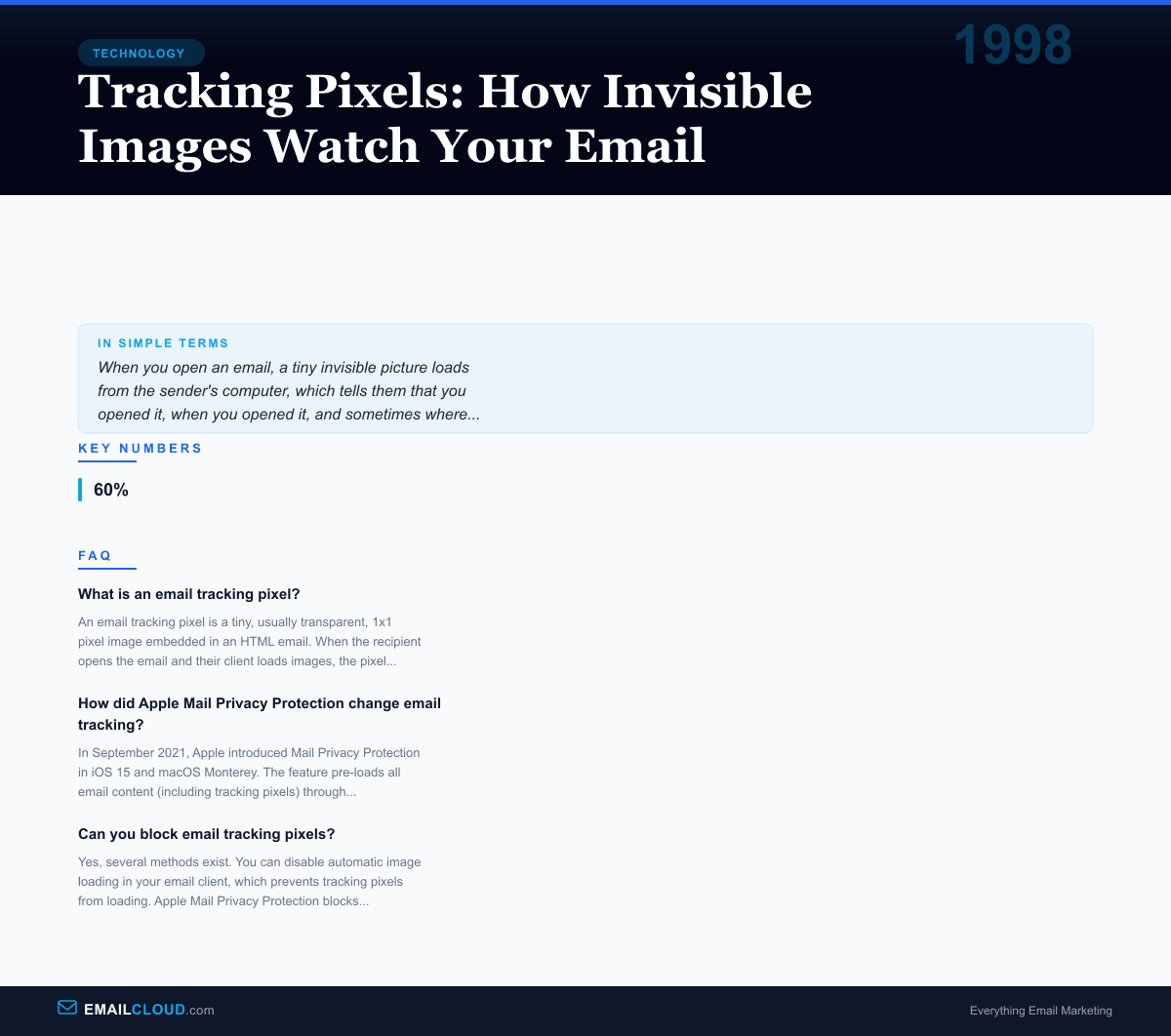
An email tracking pixel is a tiny, usually transparent, 1x1 pixel image embedded in an HTML email. When the recipient opens the email and their client loads images, the pixel is downloaded from the sender's server. This download request reveals that the email was opened, along with metadata like the time, IP address, device type, and email client. Senders use this data to measure open rates and engagement.
How did Apple Mail Privacy Protection change email tracking?
In September 2021, Apple introduced Mail Privacy Protection in iOS 15 and macOS Monterey. The feature pre-loads all email content (including tracking pixels) through Apple's proxy servers, regardless of whether the user actually opens the email. This prevents senders from knowing if, when, or where the email was opened, and hides the recipient's IP address. The feature affected roughly 50-60% of email opens industry-wide.
Can you block email tracking pixels?
Yes, several methods exist. You can disable automatic image loading in your email client, which prevents tracking pixels from loading. Apple Mail Privacy Protection blocks tracking automatically. Browser extensions and privacy-focused email clients like Hey and Proton Mail block or strip tracking pixels. However, disabling images also blocks legitimate images in emails.