1995: Email Design: From Plain Text to Responsive Templates
In the beginning, email was text. Just text. No fonts, no colors, no images, no layout — just characters on a screen, rendered in whatever monospace font the email client happened to use. A marketing email in 1993 looked identical to a personal email, which looked identical to a system notification. Everything was plain text, and everyone’s inbox was equally ugly.
Thirty years later, marketing emails are rich, visual experiences with custom typography, full-bleed images, animated GIFs, interactive elements, and responsive layouts that adapt to every screen size. The journey from plain text to modern email design is a story of creativity, frustration, and the most stubborn rendering inconsistencies in all of web technology.
The HTML Era Begins (Late 1990s)
The first attempts at visually designed email appeared in the late 1990s, when email clients began supporting HTML rendering. Instead of plain text, marketers could now use HTML — the same markup language used for web pages — to add formatting, images, colors, and layout to their emails.
The early results were crude but exciting. Bold text, colored backgrounds, centered headings, and inline images transformed emails from text documents into something that looked, vaguely, like a brochure. Marketers accustomed to designing print materials saw HTML email as a way to bring visual branding to the inbox.
But there was a fundamental problem that would haunt email design for the next two decades: inconsistent rendering. Web browsers were converging toward shared standards (slowly and painfully, but converging). Email clients were not. Outlook rendered HTML one way. Lotus Notes rendered it another. AOL’s email client had its own interpretation. Netscape Mail had yet another.
The Table Layout Era (2000s)
Web designers in the early 2000s were transitioning from table-based layouts to CSS-based layouts for websites. Email designers were doing the opposite — retreating into tables because tables were the only layout method that rendered consistently across the fragmented email client landscape.
The reason was Outlook. Microsoft Outlook, the dominant corporate email client, used Microsoft Word’s rendering engine to display HTML emails starting with Outlook 2007. Word’s HTML renderer was designed for documents, not web pages. It didn’t support CSS float, CSS positioning, or most modern layout techniques. It did, however, render tables reliably.
This single decision by Microsoft — using Word to render email HTML — set email design back by a decade. Email designers who wanted their messages to look correct in Outlook (which was unavoidable for B2B marketing) had to code with tables, inline CSS, and an extremely limited subset of HTML and CSS.
The result was an email design methodology that looked like web development from 1999: nested tables for layout, inline styles instead of external CSS (because Gmail stripped the <style> tag from emails), spacer GIFs for precise positioning, and extensive use of workarounds and hacks for specific email clients.
The Mobile Challenge (2010-2015)
Just as email designers had mastered the art of table-based layouts that worked across desktop clients, mobile email changed the game entirely. By 2015, more than half of all email was opened on mobile devices — primarily iPhones and Android phones with screens a fraction of the size of desktop monitors.
Emails designed for 600-pixel-wide desktop rendering were unreadable on 320-pixel-wide phone screens. Two-column layouts that looked great on a monitor became microscopic side-by-side columns on a phone. CTA buttons designed for mouse clicks were too small for finger taps. Font sizes comfortable on a 24-inch monitor were squint-inducing on a 4-inch phone.
The solution, borrowed from web design, was responsive design — using CSS media queries to detect screen size and adjust the layout accordingly. A two-column desktop layout would stack into a single column on mobile. Font sizes would increase. Buttons would grow to be finger-friendly. Images would scale to fit the screen.
Responsive email was technically possible but practically nightmarish. CSS media queries required the <style> tag to work, but Gmail (the world’s most popular email client) stripped <style> tags from email HTML. Outlook didn’t support media queries at all. The email that looked perfectly responsive in Apple Mail might look completely broken in Gmail and Outlook.
The Workarounds
Email designers developed an arsenal of creative workarounds to achieve responsive behavior across hostile email clients.
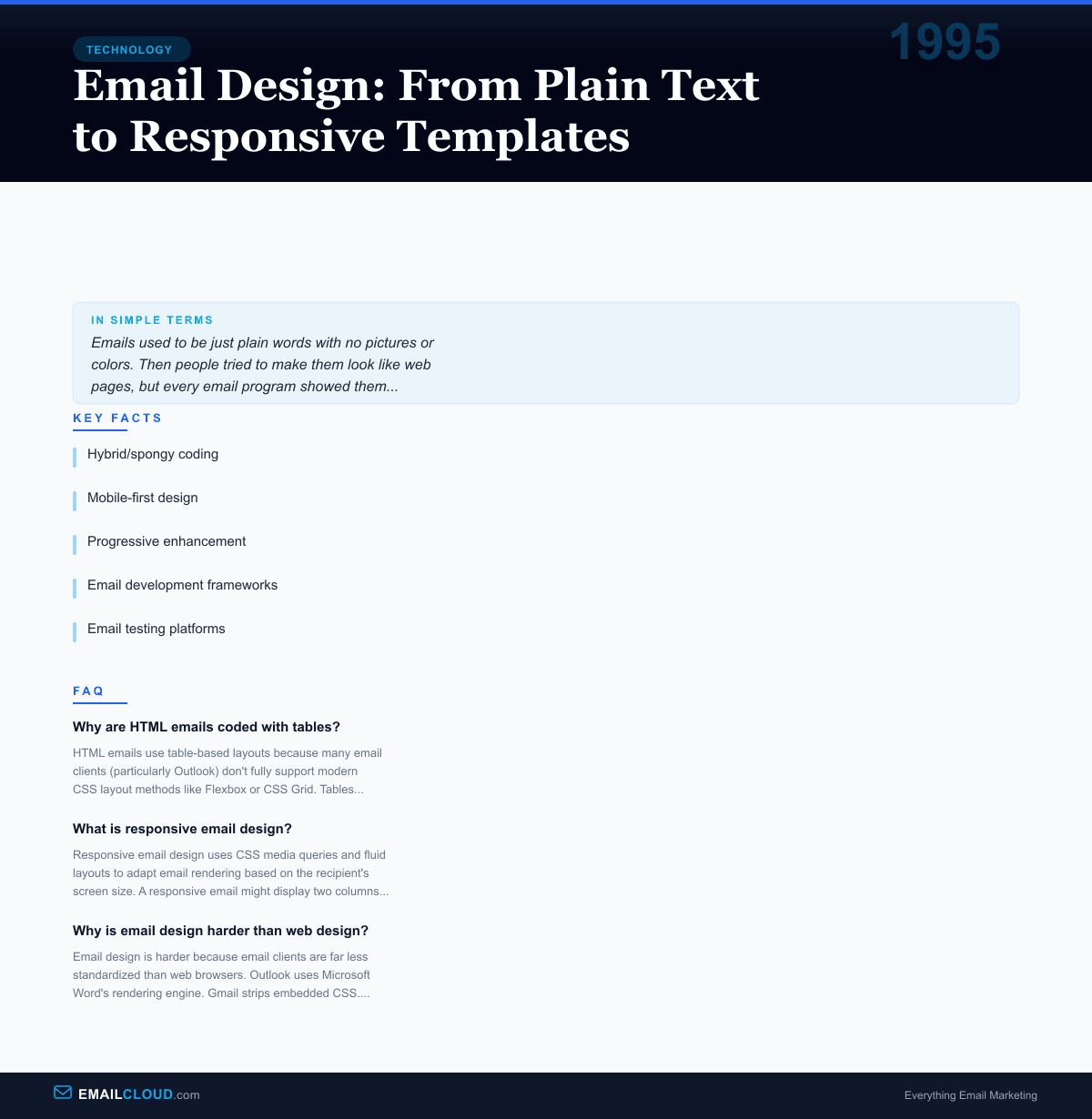
Hybrid/spongy coding used a combination of max-width CSS properties and Outlook conditional comments to create layouts that were fluid by default (expanding to fill available width) but constrained on larger screens. This approach worked in most email clients without requiring media queries.
Mobile-first design reversed the traditional approach. Instead of designing for desktop and adapting for mobile, designers created the mobile layout first and used media queries (where supported) to enhance the desktop experience. In clients that didn’t support media queries, the mobile version displayed — which was acceptable on any screen size.
Progressive enhancement accepted that emails would look different in different clients and focused on ensuring a good experience everywhere rather than an identical experience. The email might be a beautiful two-column layout in Apple Mail and a simple single-column in Gmail — both functional, both readable, both branded.
The Modern Stack (2020s)
By the 2020s, email design had matured into a specialized discipline with its own tools, frameworks, and best practices.
Email development frameworks like MJML (created by Mailjet) and Foundation for Emails (by Zurb) provided pre-tested, responsive components that compiled into email-safe HTML. Designers could write clean, readable code and let the framework handle the cross-client compatibility nightmares.
Email testing platforms like Litmus and Email on Acid allowed designers to preview their emails across dozens of email clients and devices simultaneously, catching rendering issues before the email was sent.
Design systems emerged in larger organizations, standardizing email components (headers, footers, buttons, content blocks) into reusable, pre-tested modules. This reduced the risk of rendering issues and accelerated production.
Dark mode introduced yet another rendering challenge. When email clients like Apple Mail, Gmail, and Outlook added dark mode support, email designs that assumed a white background suddenly appeared with inverted colors, broken logos (white logos on white text, now white logos on dark backgrounds), and unexpected color shifts. Designers added dark mode-specific CSS and transparent PNG logos to their already complex code.
The Frustration That Endures
Email design remains one of the most technically constrained design disciplines in digital media. Web designers have largely converged on modern standards — Flexbox, CSS Grid, modern JavaScript. Email designers are still coding with tables, inline styles, and conditional comments because the email client ecosystem has never achieved the standardization that web browsers have.
The root cause is that email clients have no incentive to standardize. Each email client (Gmail, Outlook, Apple Mail, Yahoo) makes its own decisions about what HTML and CSS to support, and those decisions are driven by security, performance, and business priorities — not by a shared commitment to standards. There is no equivalent of the W3C standards process for email rendering.
The result is that email design will likely remain messier, more constrained, and more frustrating than web design for the foreseeable future. But it also means that email designers who master the discipline possess rare, specialized skills — the ability to create beautiful, functional experiences within some of the tightest technical constraints in all of digital design.
Infographic
Share this visual summary. Right-click to save.
Related Events
Frequently Asked Questions
Why are HTML emails coded with tables?
HTML emails use table-based layouts because many email clients (particularly Outlook) don't fully support modern CSS layout methods like Flexbox or CSS Grid. Tables are universally rendered, making them the only reliable way to create multi-column email layouts across all email clients.
What is responsive email design?
Responsive email design uses CSS media queries and fluid layouts to adapt email rendering based on the recipient's screen size. A responsive email might display two columns on desktop but stack them into a single column on mobile. The technique became essential as mobile email reading surpassed desktop around 2015.
Why is email design harder than web design?
Email design is harder because email clients are far less standardized than web browsers. Outlook uses Microsoft Word's rendering engine. Gmail strips embedded CSS. Yahoo handles media queries differently. There is no universal standard, so designers must code for dozens of different rendering environments simultaneously.