1986: The Email Client Wars: From Elm to Gmail
The history of email is often told as a story of protocols, standards, and platforms. But for the billions of people who use email daily, the experience is defined by something much more tangible: the email client. The software that renders your inbox, the interface that organizes your messages, the buttons you click to reply and forward — these are what email actually feels like. And the evolution of email clients, from austere Unix text interfaces to the polished apps of today, tells a fascinating story about how interface design shapes communication.
The Command Line Era (1970s-1980s)
The earliest email clients were not clients at all in the modern sense — they were command-line programs running on the same multi-user systems where the email was stored. The Unix mail command, available from the earliest days of Unix in the 1970s, was the baseline: a bare-bones utility that displayed messages one at a time and accepted simple commands to read, reply, delete, and send.
mail was powerful but unfriendly. It had no menus, no visual organization, and no way to scan through messages at a glance. Using it required memorizing commands. For the researchers and engineers who comprised the early email community, this was fine — they were comfortable with command-line interfaces. For anyone else, it was impenetrable.
The first significant improvement came with Elm (Electronic Mail), released in 1986 by Dave Taylor. Elm provided a screen-oriented, menu-driven interface that displayed a list of messages and let users navigate with arrow keys. It was still text-based — no graphics, no mouse support — but it represented a massive usability improvement over raw mail. Users could see their inbox at a glance, select messages, and perform actions through visible menu options.
Pine and the University Model (1989)
Pine (Program for Internet News and Email), developed at the University of Washington and first released in 1989, became the email client for a generation of college students and academics. Pine’s interface was designed explicitly for ease of use: context-sensitive help at the bottom of every screen, an address book, support for MIME attachments, and a text editor (Pstruc, later replaced by Nano) that didn’t require a Computer Science degree to operate.
Pine’s accessibility was transformative. As universities provided email accounts to students in the early 1990s, Pine was often the first email experience for millions of people. Its influence on email conventions was significant — many of the norms around email reply formatting, quoting, and signature conventions were established in the Pine user community.
Pine’s successor, Alpine, continued the tradition, but by the time of its release in 2007, the world had moved to graphical and web-based clients. The text-based email client became a niche preference, beloved by command-line enthusiasts and maintained by projects like Mutt (first released in 1995), which combined Pine’s usability with the power-user features that Unix veterans demanded.
Eudora and the Desktop Revolution (1988-2006)
While Pine dominated the Unix world, Eudora brought email to personal computers. Developed by Steve Dorner at the University of Illinois in 1988 and later commercialized by Qualcomm, Eudora was the first widely used graphical email client. It ran on Macintosh and Windows, displayed messages with proportional fonts, supported drag-and-drop attachments, and looked like a native desktop application.
Eudora’s user base grew through the 1990s as personal email became mainstream. At its peak, Eudora had tens of millions of users and was the default email client for many businesses and universities. Its features — filtering, multiple mailboxes, personality management (multiple identities), and extensive customization — set the template for desktop email clients.
Eudora’s decline came from competition on multiple fronts. Microsoft bundled Outlook Express with Windows and Internet Explorer, ensuring that every PC came with a free email client. Netscape bundled its own email client with its browser. And eventually, webmail services like Hotmail, Yahoo Mail, and Gmail eliminated the need for a separate email application entirely. Qualcomm stopped development of Eudora in 2006.
The Outlook Era (1997-Present)
Microsoft Outlook, released as part of Office 97, became the defining email client for corporate environments. Outlook was not just an email client — it was a personal information manager that combined email, calendaring, contacts, tasks, and notes into a single application. Its integration with Microsoft Exchange Server made it the default choice for businesses running Microsoft infrastructure.
Outlook’s dominance in corporate email shaped how an entire generation of knowledge workers experienced the medium. The folder paradigm, the preview pane, the meeting invitation system, the rules-based filtering — these were Outlook innovations that became industry standards.
But Outlook also became the subject of intense frustration. Its HTML rendering engine (switched to Microsoft Word’s engine in 2007) became notorious among email designers for poor CSS support. Its handling of threading was inconsistent. Its search was slow. And its integration with Exchange meant that email, calendar, and contacts were tightly coupled — useful when it worked, painful when it didn’t.
The Webmail Revolution (1996-2010)
Hotmail (1996), Yahoo Mail (1997), and Gmail (2004) represented a fundamental shift in how people accessed email. Instead of installing a desktop application and configuring server settings, users could access their email from any computer with a web browser. No installation, no configuration, no software updates.
Hotmail, created by Sabeer Bhatia and Jack Smith, was the first major web-based email service. It proved that webmail could work at scale and was acquired by Microsoft for approximately $400 million in 1997. Yahoo Mail followed with its own webmail service, quickly accumulating millions of users.
But it was Gmail that redefined webmail in 2004. Google’s approach — threaded conversations, search-first organization, 1GB of storage, labels instead of folders — was a genuine rethinking of the email interface rather than a web-based recreation of desktop paradigms. Gmail treated email as data to be searched rather than documents to be filed, and this philosophy influenced every email client and service that followed.
The Mobile Era (2007-Present)
The iPhone’s launch in 2007 introduced email to the mobile context, and the BlackBerry had established mobile email even earlier in the enterprise market. Mobile email clients imposed new constraints: small screens required simplified interfaces, touch input replaced mouse clicks, and intermittent connectivity required effective offline capabilities.
Mobile email clients evolved rapidly. Apple’s Mail app, Gmail’s mobile app, and third-party clients like Spark, Airmail, and Edison Mail competed on features, design, and philosophy. Some prioritized speed and simplicity. Others offered advanced features like snoozing, smart categorization, and unified inboxes combining multiple accounts.
The mobile shift also changed email behavior. Mobile email was read in short bursts — during commutes, in waiting rooms, between meetings. The brief, triage-oriented way people checked email on phones influenced how they composed messages (shorter, less formal) and how marketers designed emails (mobile-first, single-column layouts).
The Ongoing Wars
The email client landscape today is fragmented but dominated by a few major players. Gmail’s web interface and mobile app serve over 1.8 billion users. Microsoft Outlook remains the corporate standard. Apple Mail is the default on iPhone and Mac. Everything else — Thunderbird, Spark, Superhuman, Hey, Proton Mail, Fastmail — serves niche audiences with specific needs.
Each client makes different assumptions about how email should work, and those assumptions shape billions of daily interactions. The email client is the lens through which the world experiences email, and the ongoing competition to build a better lens is one of the most consequential design challenges in technology.
Infographic
Share this visual summary. Right-click to save.
Related Events
Frequently Asked Questions
What was the first popular email client?
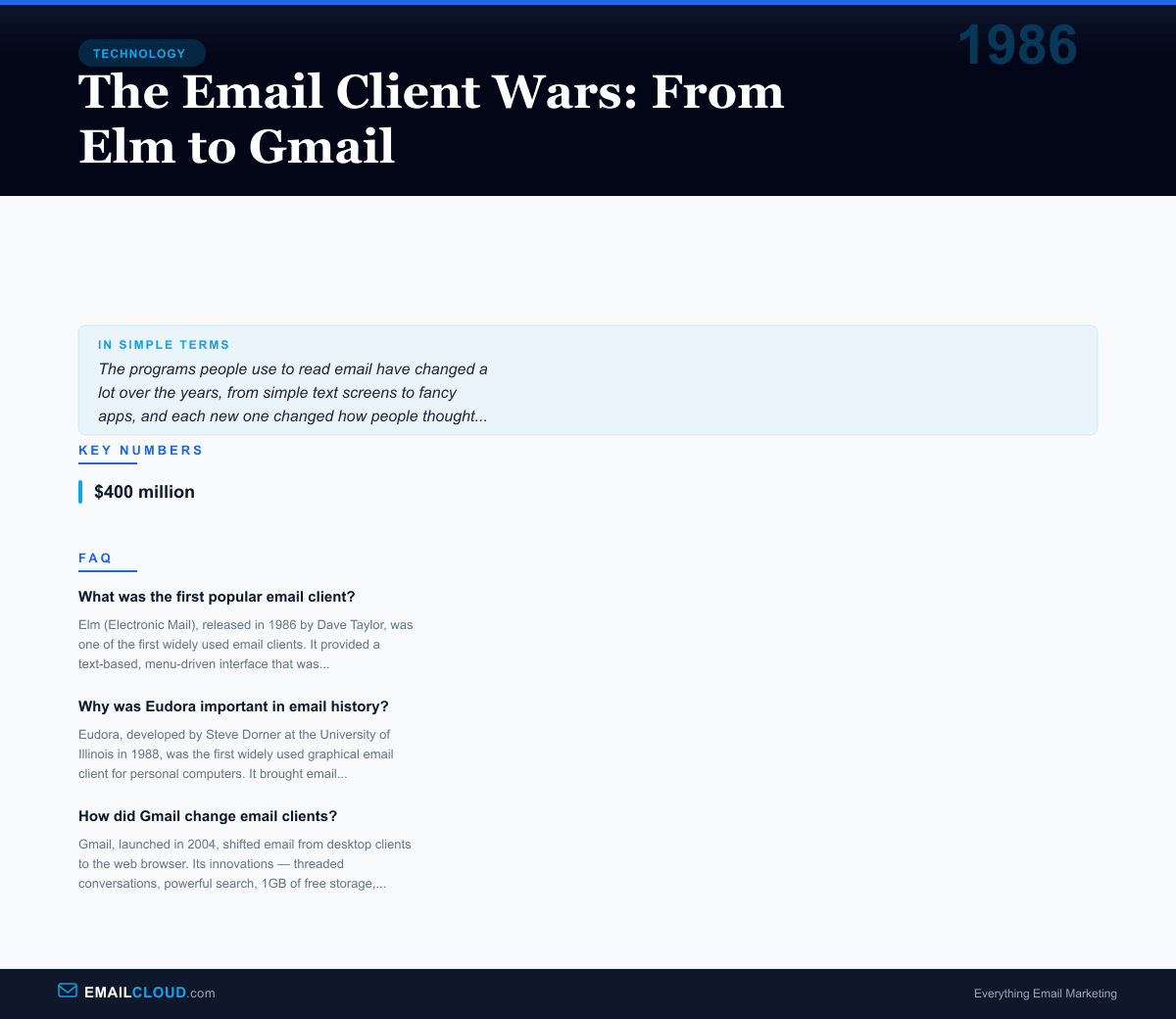
Elm (Electronic Mail), released in 1986 by Dave Taylor, was one of the first widely used email clients. It provided a text-based, menu-driven interface that was significantly more user-friendly than the Unix 'mail' command. Pine (Program for Internet News and Email), released by the University of Washington in 1989, became even more popular due to its intuitive interface.
Why was Eudora important in email history?
Eudora, developed by Steve Dorner at the University of Illinois in 1988, was the first widely used graphical email client for personal computers. It brought email to non-technical users with a familiar GUI interface, support for attachments, and features like filtering and multiple mailboxes. At its peak, Eudora had tens of millions of users.
How did Gmail change email clients?
Gmail, launched in 2004, shifted email from desktop clients to the web browser. Its innovations — threaded conversations, powerful search, 1GB of free storage, and labels instead of folders — redefined how people organize and interact with email. Gmail's success established webmail as the default for consumer email and influenced every email client that followed.