1997: What It Was Actually Like to Check Email on Dial-Up
If you are over 35, you can hear it right now. Close your eyes and it’s there: the staccato clicking of the phone number being dialed, the ring, the pick-up, and then — that sound. The rising, falling, screaming, warbling electronic handshake of a 56k modem negotiating a connection to the internet. It sounded like two fax machines having an argument. It sounded like a robot gargling. It sounded, to an entire generation of Americans, like the future arriving through a phone line, one agonizing kilobit at a time.
Checking email on dial-up was a ritual, a test of patience, and occasionally a source of genuine domestic conflict. This is what it was actually like.
The Connection Ritual
You didn’t just “check email” on dial-up. You committed to checking email. The process began with making sure nobody in the house was using the phone — because the internet and the telephone shared the same line, and only one could work at a time. In households with teenagers, this negotiation could be intense.
Once the phone line was clear, you’d double-click the dial-up networking icon (or click “Sign On” in AOL’s interface) and wait. The modem would seize the phone line and begin its audible connection sequence: the dial tone, the DTMF tones of the number being dialed, one or two rings, the answering modem’s carrier tone, and then 15 to 30 seconds of escalating electronic noise as the two modems tested frequencies and settled on a connection speed.
The final negotiation produced a characteristic descending tone — a sound that veteran dial-up users learned to interpret. A clean, smooth handshake ending at a high pitch meant you’d connected at 56k (or close to it). A choppy handshake settling at a lower pitch meant a slower connection — 33.6k, 28.8k, or on a bad phone line, 14.4k. Connection speed wasn’t just a number; it determined how long everything would take.
And then the worst sound of all: the busy signal. If your ISP’s modem pool was full (and during evening hours, it often was), you’d hear the rhythmic buzz-buzz-buzz of a busy line. Double-click, wait, busy signal. Double-click, wait, busy signal. Repeat until you gave up or got lucky. AOL users during the 1996 flat-rate pricing disaster experienced this for weeks on end, giving rise to the nickname “America On Hold.”
The Inbox
Once connected, the email experience varied depending on your setup. AOL users heard Elwood Edwards’ voice announce “You’ve got mail!” — a sound that produced genuine dopamine in 1997. The AOL inbox loaded relatively quickly because messages were displayed as a simple list: sender, subject line, date. Click a message to read it. Simple, effective, and designed for the bandwidth constraints of the era.
Users running standalone email clients — Eudora, Pegasus Mail, Outlook Express, Netscape Messenger — had a different experience. The client would connect to the mail server using POP3, download every new message in sequence, and store them locally on the hard drive. You could watch the download progress: “Downloading message 1 of 12… Downloading message 2 of 12…” Each text-only message took a second or two. Messages with attachments took significantly longer.
The attachment problem was particularly acute. If someone sent you a 500KB image (a modest file even by 1990s standards), downloading it at 56k would take about a minute. If your grandmother forwarded you an email chain with seven embedded clip-art images, you were looking at several minutes of download time. And if anyone on your contact list sent you a multi-megabyte file — a PowerPoint presentation, a video clip, a software installer — you had time to make coffee, drink it, and come back before the download finished.
The Phone Line Problem
The single most defining frustration of dial-up email was the shared phone line. In most American households of the late 1990s, there was one phone line. The internet used that phone line. Voice calls used that phone line. They could not coexist.
This created a hierarchy of conflicts. The teenager downloading email at 7 PM was competing with Mom, who needed to make a phone call. Dad picking up the kitchen phone to call Uncle Steve would produce a blast of modem noise in the handset, a disrupted connection on the computer, and shouting from the teenager’s room. Incoming calls would either get a busy signal (because the modem was using the line) or, on some systems, interrupt the modem connection entirely.
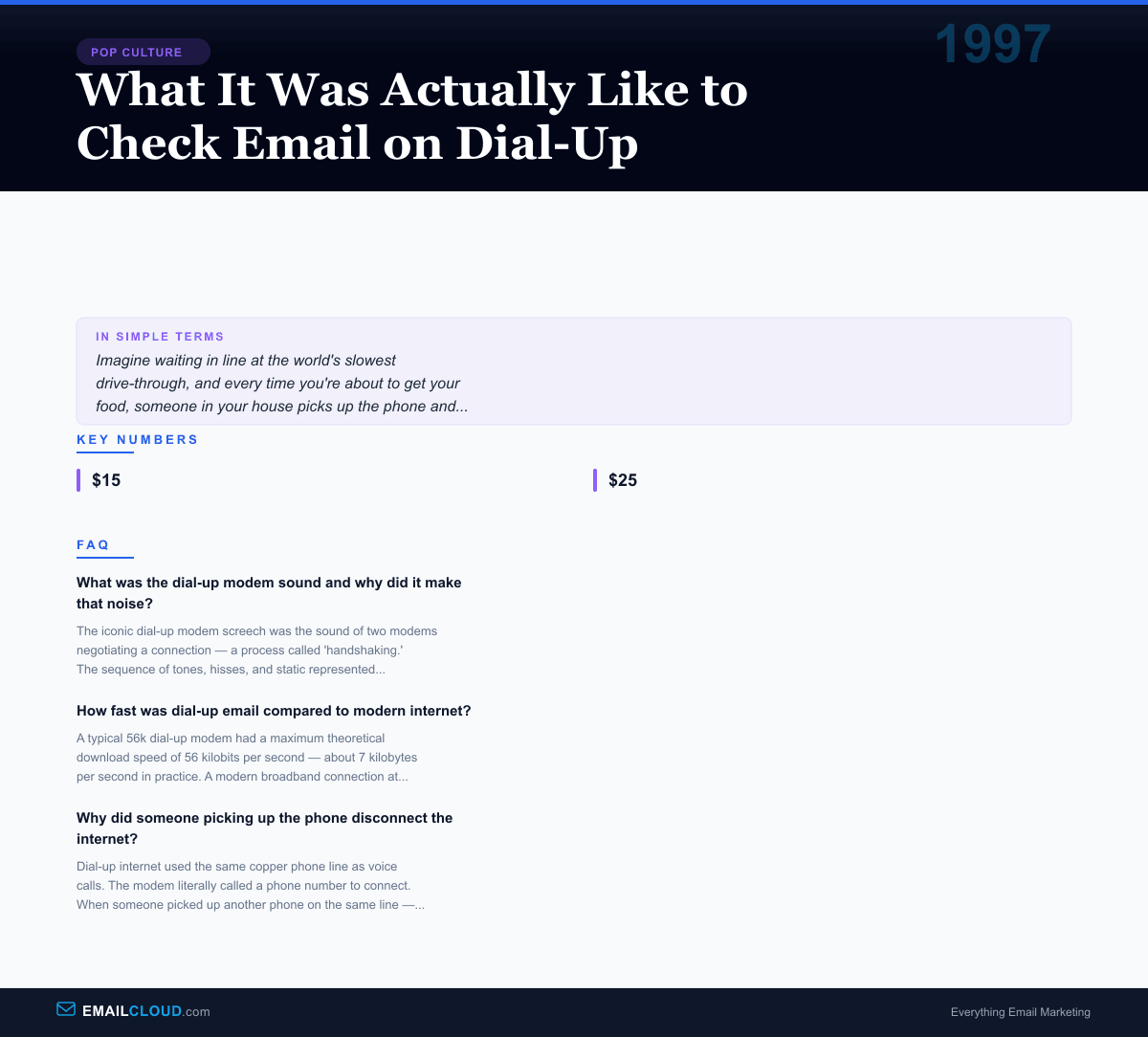
The solution, for families who could afford it, was a second phone line — dedicated exclusively to internet use. Installing a second line cost $15 to $25 per month, a significant expense on top of the ISP subscription. But for families with heavy internet usage, it was the only path to domestic peace. Some households took a different approach and established “internet hours” — designated times when the phone line belonged to the modem and everyone else had to deal with it.
The Forwarded Email Epidemic
Dial-up email culture had its own genre of content, and the dominant genre was the forward. Forwarded jokes. Forwarded inspirational stories. Forwarded urban legends. Forwarded chain letters warning that if you didn’t forward this message to 10 people within 24 hours, something terrible would happen. Forwarded petitions. Forwarded hoaxes about dying children, contaminated soda cans, and computer viruses that would erase your hard drive if you opened an email with a specific subject line.
The “FW: FW: FW: FW:” prefix in a subject line was the hallmark of the late-1990s inbox. Messages accumulated layers of forwarding headers as they bounced from person to person, each forwarder adding their entire contact list to the CC field. A single joke that started with one person could reach thousands within days, carried entirely by the manual labor of people clicking “Forward to All.”
Grandmothers, in particular, became legendary engines of email forwarding. Having discovered email through AOL or Juno, and with no social media to absorb their sharing impulses, they channeled every heartwarming story, every prayer chain, every warning about gang initiation rituals at Walmart, through the email forward. Receiving eight forwarded emails per day from a single relative was not unusual. Asking that relative to stop was a delicate diplomatic challenge.
The Virus Age
The late 1990s and early 2000s brought a new dimension to dial-up email: fear. Email viruses — malicious programs disguised as attachments — became a regular threat. The Melissa virus in 1999 spread through Microsoft Word documents attached to emails, automatically forwarding itself to the first 50 contacts in the victim’s Outlook address book. The ILOVEYOU worm in 2000 arrived as an email with the subject line “ILOVEYOU” and an attached file called “LOVE-LETTER-FOR-YOU.TXT.vbs.” Opening the attachment unleashed a script that overwrote files and emailed itself to every contact in the victim’s address book.
These viruses exploited the trust and naivety of early email users. People opened attachments from friends and family without hesitation — why wouldn’t you? The concept of a malicious email attachment was new and counterintuitive. Antivirus software existed but wasn’t universally installed, and keeping it updated over dial-up (downloading virus definition updates at 56k speeds) was itself a tedious process.
The virus era taught email users a lasting lesson: don’t open unexpected attachments. Don’t click links from unknown senders. Don’t trust an email just because it appears to come from someone you know. These instincts, drilled into users through painful experience, became foundational to email security awareness.
Email Programs of the Dial-Up Era
The email clients of the dial-up era were distinctive pieces of software. Eudora, created by Steve Dorner and commercialized by Qualcomm, was the favorite of power users and academics. Its feature set — filters, multiple mailboxes, personality management — was sophisticated for its time, and its lightweight design was a genuine advantage on slow connections.
Pegasus Mail, written by David Harris in New Zealand and distributed for free, was beloved by users who appreciated its depth of features and its author’s principled refusal to sell out. Outlook Express, bundled with Windows 95 and later with Internet Explorer, became the default email client for millions of Windows users who never thought to look for an alternative. Netscape Communicator included a mail client that integrated with the Netscape browser.
Each of these clients was designed for the constraints of dial-up. They stored email locally, composed messages offline, and synchronized with the mail server only when explicitly instructed. You could write five replies while disconnected, then briefly connect to send them all and download new messages, minimizing online time and phone line usage.
The Broadband Revolution
And then, gradually and then suddenly, it was over. DSL and cable internet arrived in American suburbs in the late 1990s and early 2000s. Broadband connections were “always on” — no dialing, no handshake, no waiting. Email didn’t need to be downloaded in batches; it was just there, constantly, updated in the background. The phone line was free. Nobody got disconnected because someone picked up the extension.
The transition from dial-up to broadband was one of those technology shifts that, once experienced, is impossible to go back from. Users who had spent years rationing their connection time, dreading the modem screech, and fighting with family members over the phone line suddenly had unlimited, instant access to email. The behavioral change was immediate. Email checking went from a deliberate, scheduled activity to an ambient, constant one — a shift that email marketers would spend the next two decades learning to exploit.
The Sound That Won’t Fade
The dial-up modem sound persists in cultural memory with remarkable tenacity. It shows up in TV shows as a shorthand for nostalgia, in museum exhibits about internet history, and in the dreams of anyone who spent their formative years waiting for a 56k connection. There are YouTube videos of the handshake sequence with millions of views. Millennials play it for Gen Z kids, who listen with the fascinated horror of someone learning that their parents walked to school uphill both ways.
For those of us who lived through it, the dial-up era was frustrating, limited, slow, and occasionally infuriating. It was also magical. Every connection was an event. Every email was an arrival. Every session online felt like a small adventure, bounded by time and cost and the ever-present threat of someone picking up the phone. We didn’t know how good we had it — or rather, we didn’t know how good it would get. And now that email is instant, unlimited, and always available, something about that screeching modem handshake still sounds, impossibly, like the future.
Infographic
Share this visual summary. Right-click to save.
Related Events
Frequently Asked Questions
What was the dial-up modem sound and why did it make that noise?
The iconic dial-up modem screech was the sound of two modems negotiating a connection — a process called 'handshaking.' The sequence of tones, hisses, and static represented the modems testing different frequencies and protocols to find the fastest reliable connection speed. The sound typically lasted 15-30 seconds and progressed through distinct phases: dial tone, phone number dialing, ringing, answer tone, then the characteristic series of ascending and descending tones as the modems synchronized. The sound was played through the computer's speaker so users could diagnose connection problems.
How fast was dial-up email compared to modern internet?
A typical 56k dial-up modem had a maximum theoretical download speed of 56 kilobits per second — about 7 kilobytes per second in practice. A modern broadband connection at 100 Mbps is roughly 1,800 times faster. On dial-up, downloading a single email with a 1MB photo attachment would take about 2.5 minutes. On modern broadband, the same download takes a fraction of a second. A typical 5MB PowerPoint attachment that takes less than a second to download today would have taken about 12 minutes on dial-up.
Why did someone picking up the phone disconnect the internet?
Dial-up internet used the same copper phone line as voice calls. The modem literally called a phone number to connect. When someone picked up another phone on the same line — to make a call or answer an incoming call — it disrupted the modem's signal, either degrading the connection or disconnecting it entirely. This was the single most common complaint about dial-up internet and drove many families to install a second phone line dedicated to internet use.
Stay ahead of the inbox
Weekly tips on deliverability, automation, and growing your list. No spam, ever.
No spam. Unsubscribe any time. We respect your inbox.